gltfpack is the command-line tool included with meshoptimizer. It can repack glTF assets into GLB, optimize mesh data, and optionally enable Meshopt compression.
Pack the asset
Create a baseline GLB first, then try the compressed variant so you can compare output sizes.
gltfpack -i scene.gltf -o scene.glb
gltfpack -c -i scene.gltf -o scene-compressed.glb
Load the compressed GLB
In Three.js, configure GLTFLoader with MeshoptDecoder before loading the compressed file. Check the model in your scene and compare size, appearance, and decode time on the devices you support.
import { GLTFLoader } from 'three/addons/loaders/GLTFLoader.js';
import { MeshoptDecoder } from 'three/addons/libs/meshopt_decoder.module.js';

const loader = new GLTFLoader().setMeshoptDecoder(MeshoptDecoder);
loader.load('/scene-compressed.glb', ({ scene: model }) => scene.add(model));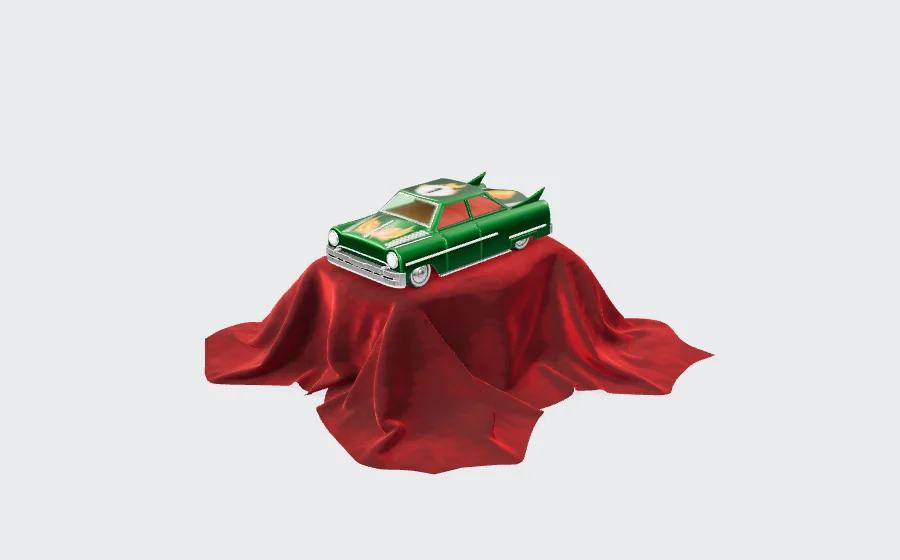
Baseline GLB · 4,173,620 bytes
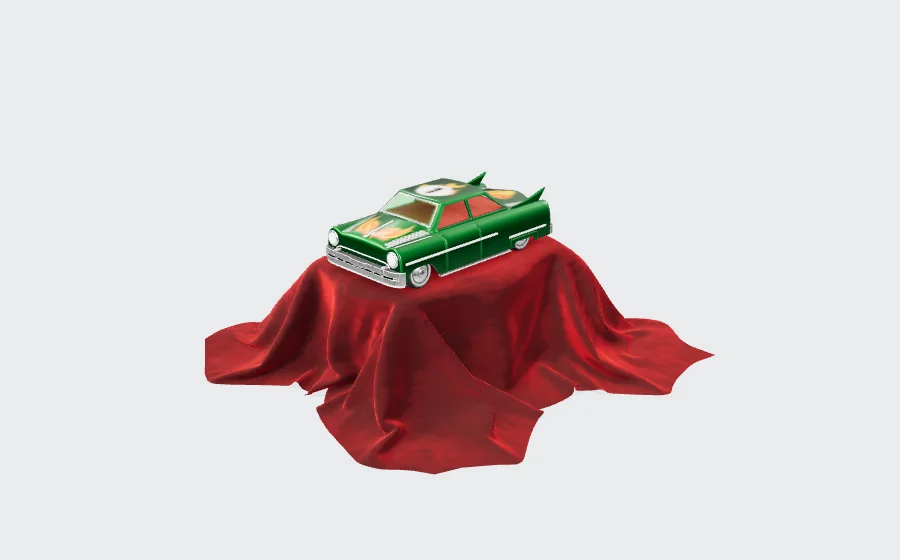
Meshopt GLB · 2,488,444 bytes
MeshoptDecoder. Compare the car’s highlights and the fabric folds to check whether the result suits your scene.
Khronos Toy Car by Guido Odendahl and Eric Chadwick (CC0) · gltfpack documentation.