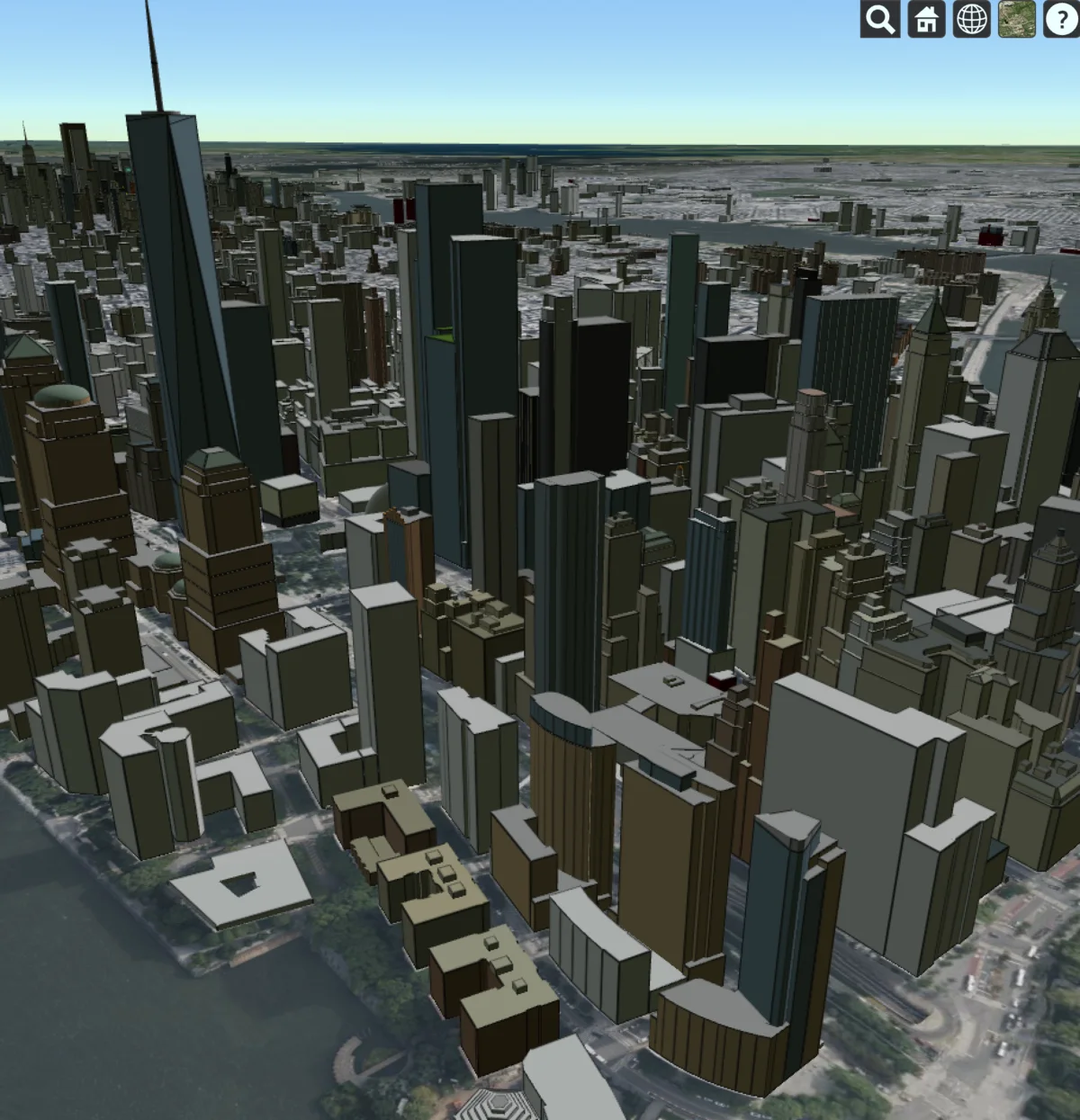
Cesium Sandcastle lets you edit a working CesiumJS example and run it next to the code. These three examples cover tasks that come up in real projects. They let you style buildings, inspect individual features, and play back a moving object on the globe.
Color buildings from their metadata
Open 3D Tiles Feature Styling. Find the styling logic, change one color or threshold, and run the example again. This shows how a style can update the appearance of many features. When you move the logic to your own tileset, check that the property name and type in the style match your data.
Read properties on a click
Open 3D Tiles Feature Picking. Click a building and trace how the code turns the selected feature into an info box. Try displaying just one property. Then click empty space and see how the sample clears or changes the selection. That second check is worth keeping when you turn the example into an inspector.
Play back a moving path
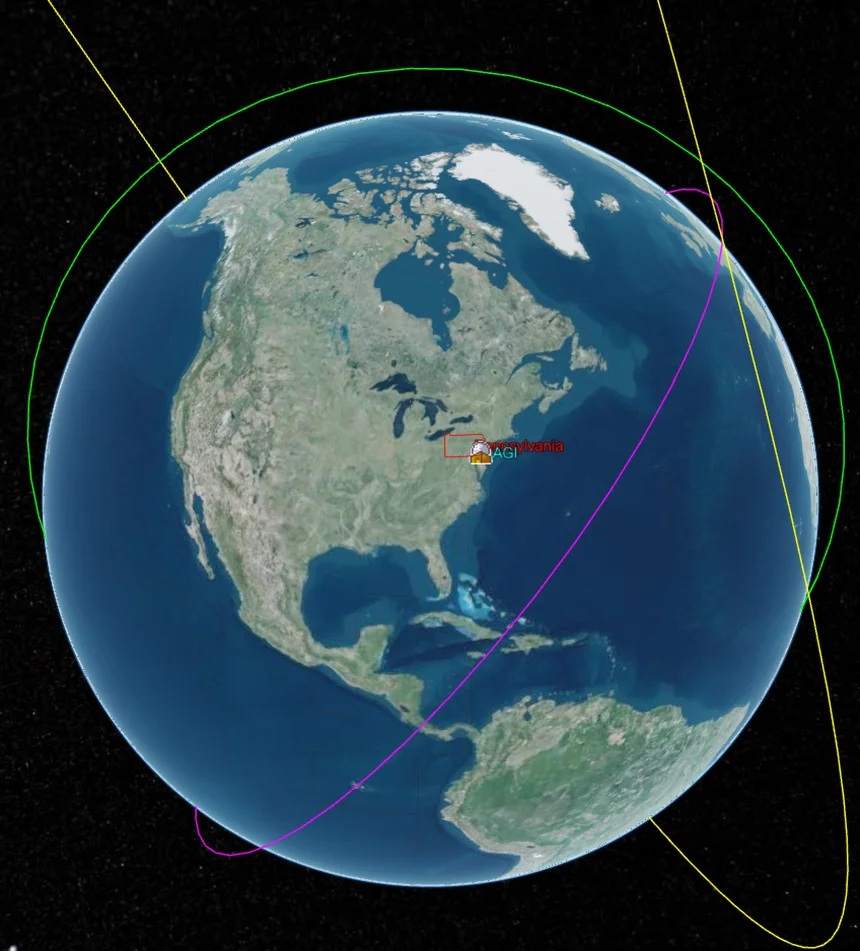
Open CZML Path. Scrub the timeline and watch the object's position and trail. Look at the clock settings, then at how the entity describes time-varying positions. When adapting it to your own route, start with a short trace and confirm the timestamps and playback interval before importing the full dataset.
Move the smallest useful example into your app
Keep the input dataset, the viewer options, and the interaction you just tested. Replace the demo data once that version runs in your project. Examples that use Cesium ion assets may need your own token and asset access when moved out of Sandcastle.
Open Cesium Sandcastle · Cesium ion access tokens · Original article (Chinese)